
The browser studio for football creators
Make better
match previews
Record and live stream your football show from the browser, with guests, lineup predictors, live match graphics and your own branding on screen. Nothing to install, and no editing afterwards.
- ✓ Nothing to install
- ✓ Guests join by link
- ✓ Streams to YouTube
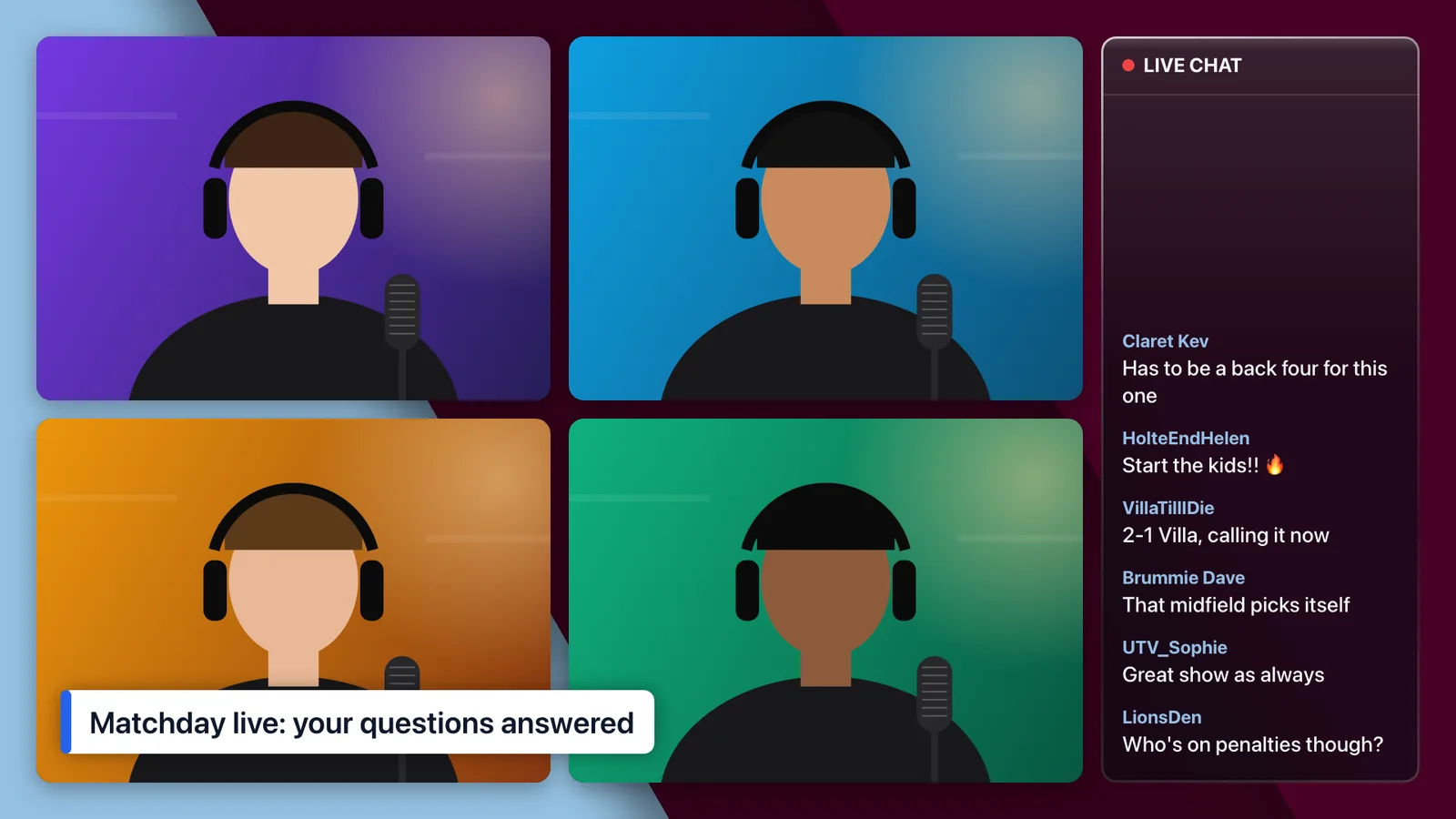
HolteEndHelen
Start the kids!! 🔥
Made for talking about football
The graphics a football show actually needs.
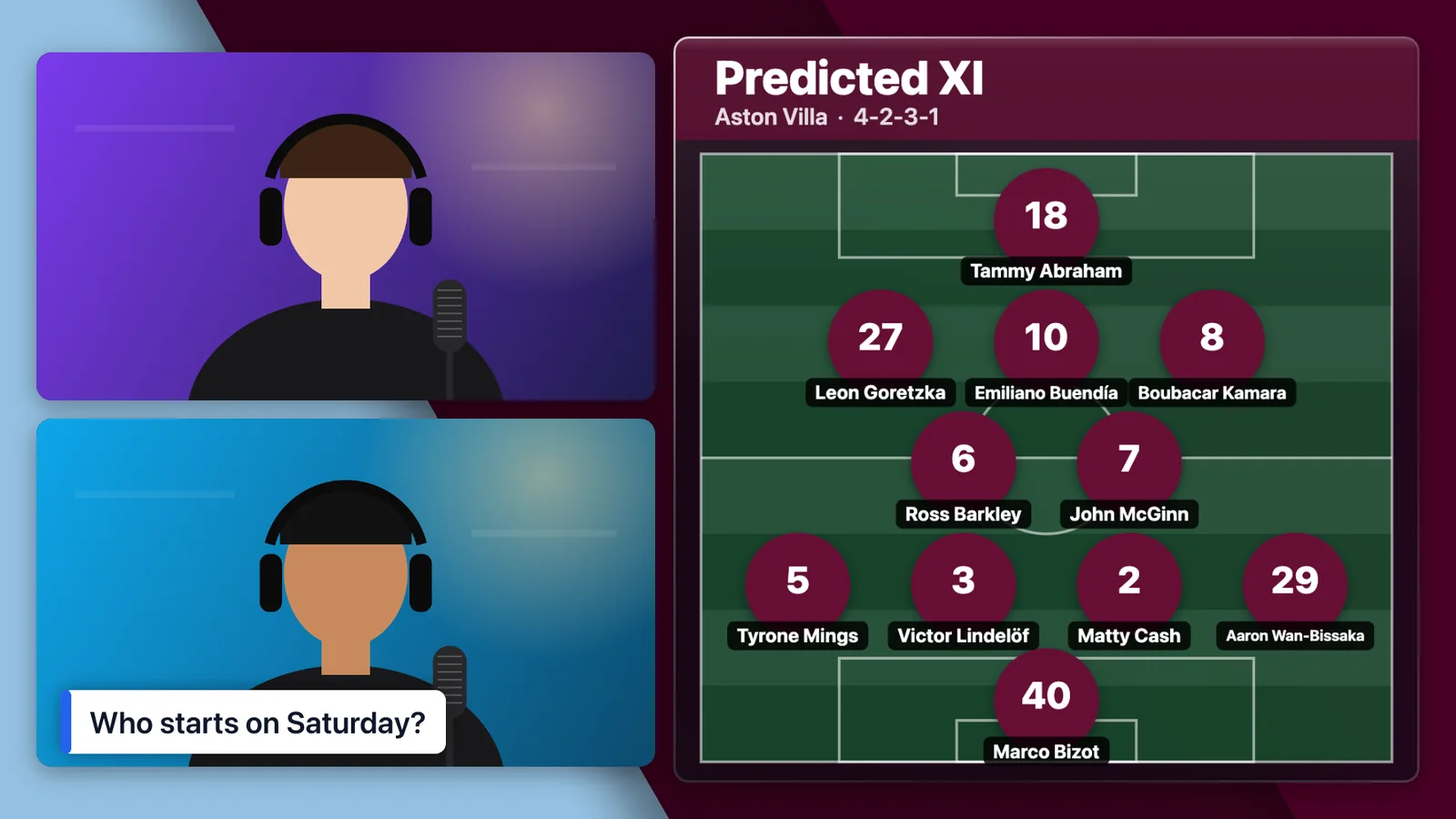
General streaming tools give you cameras and a screen share. FootyTuber adds football graphics fed by live match data, ready to put on screen in a click. These are real pictures from the app.
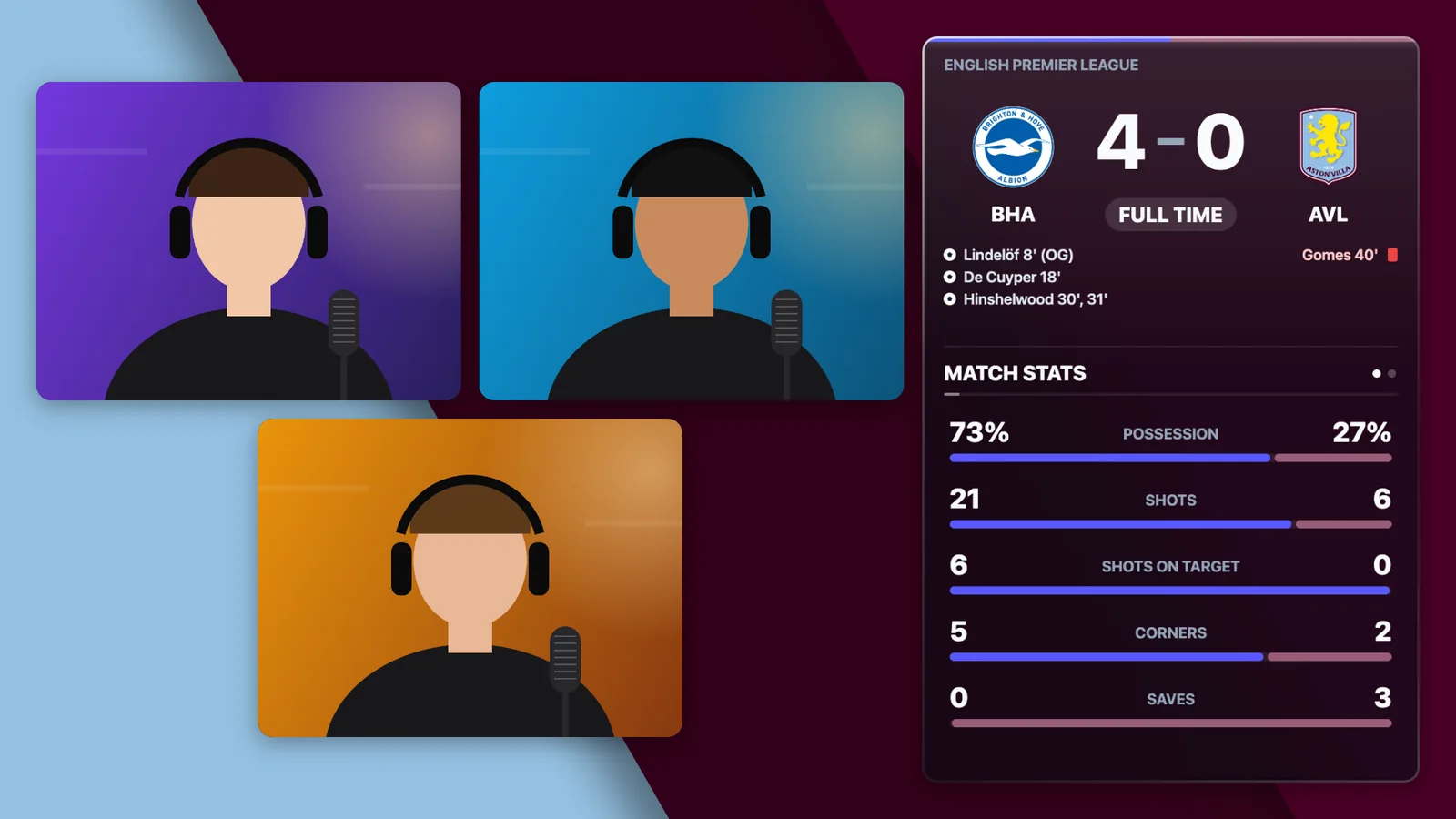
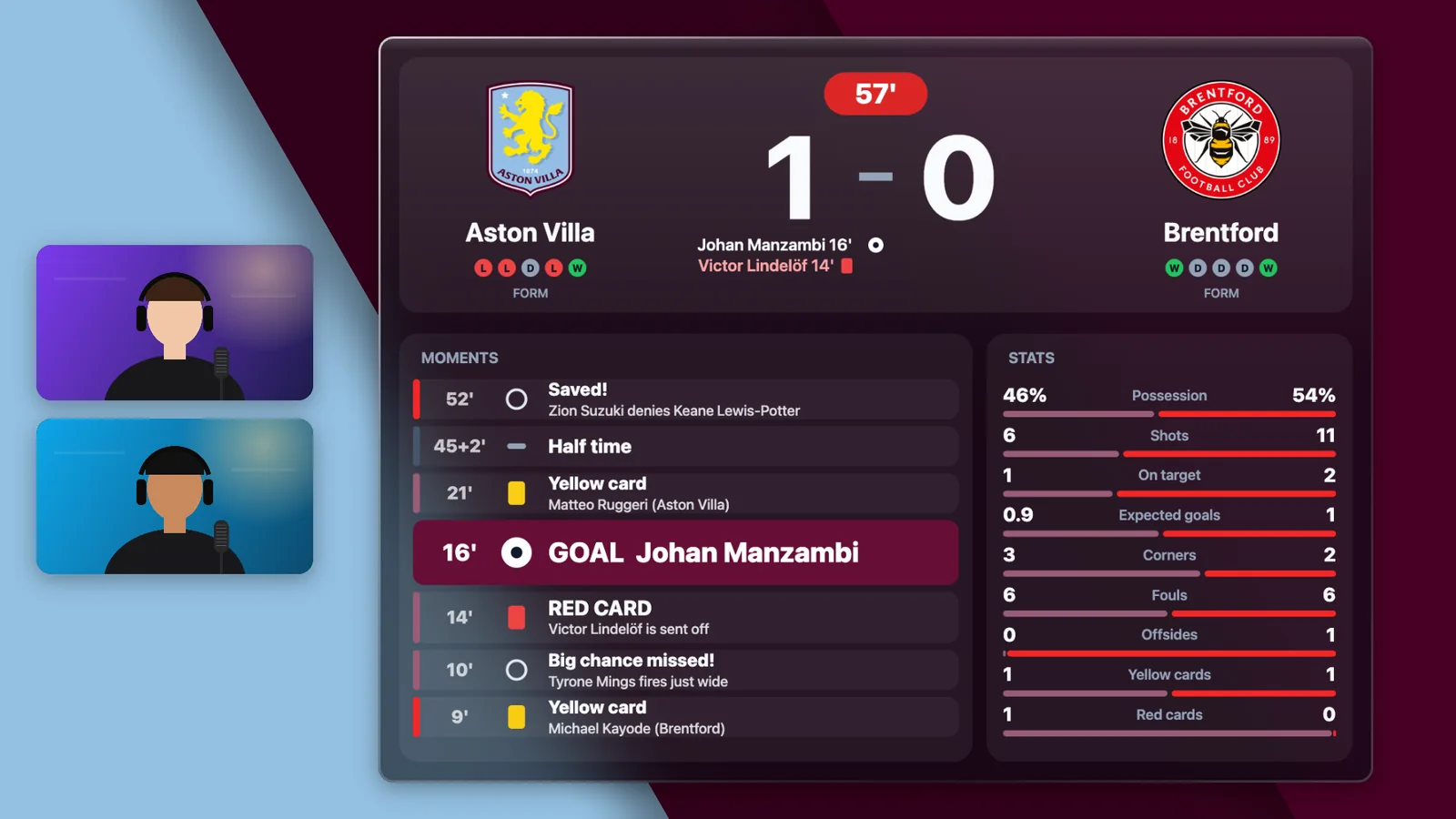
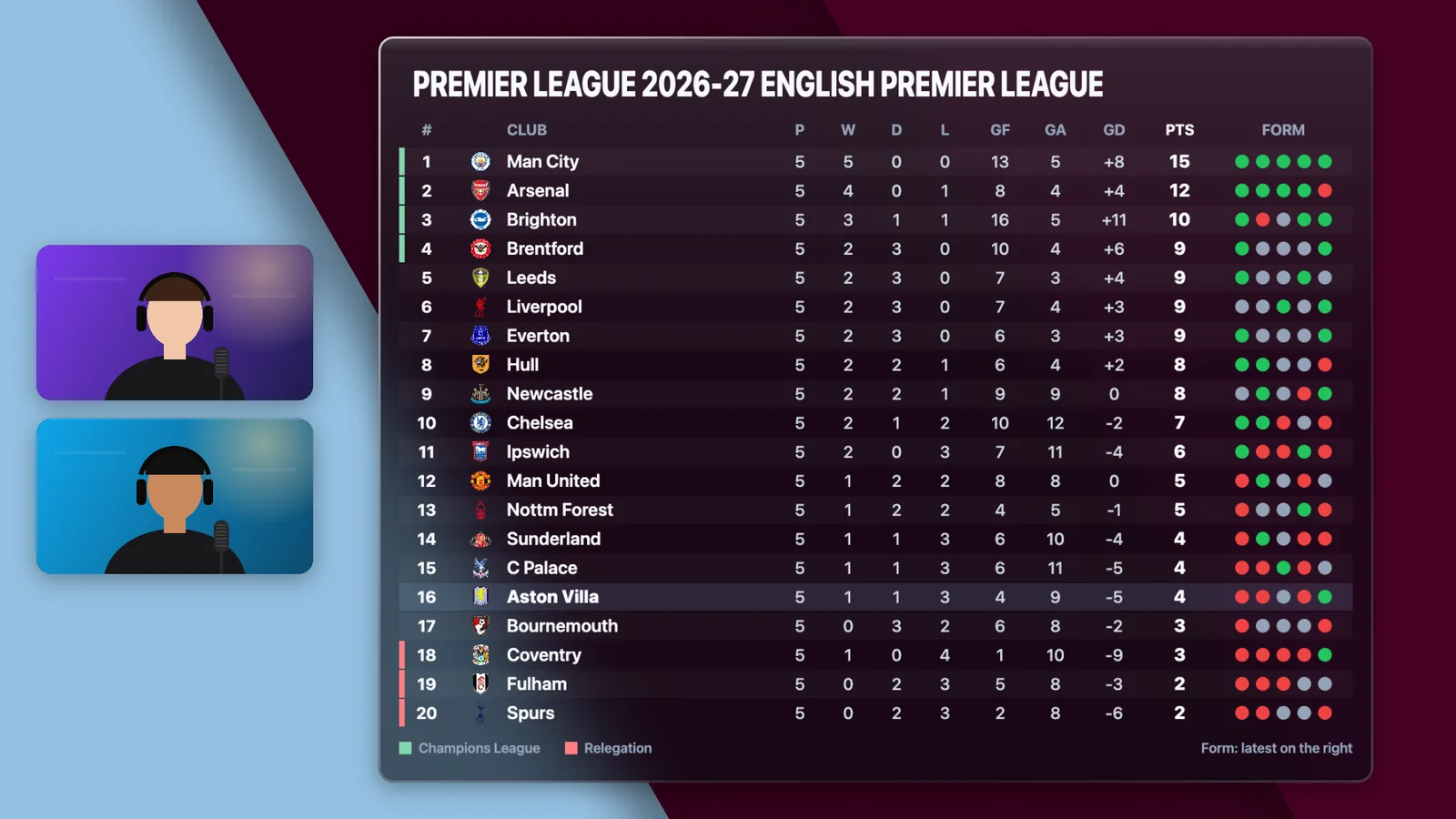
Your predicted XI, on screen as you argue about it
Pick the team on a pitch graphic with shirt numbers and player photos. Send opposition fans a link to pick theirs, and put both up side by side.
Record
The finished show saves straight to your computer as one video, with your layout, graphics and outro already in it. Nothing to edit together afterwards.
Go live
Stream to your YouTube channel in 1080p. Read and reply to comments from the studio, and put them on screen.
Bring guests on
Send one link. Guests join from a laptop or phone with nothing to install, wait backstage, and come on when you bring them on.
Make it yours
Your club's colours. Your brand. Your show.
Every panel, tag and graphic takes your colours, and your own backgrounds, logos and sponsors sit on top. Set it up once and every recording and stream looks like your channel.
Try it: pick your colours
Backgrounds and overlays
Upload your own and switch between them mid-show.
Logos, badges and sponsors
Drag images anywhere on the picture, and run a sponsor banner along the bottom.
Scenes
Save a look and switch to it in one tap: intro, chat, half time, sign-off.
Layouts your way
Solo, side by side, grid or picture in picture. Every camera can be dragged and resized.
Your ending
Finish with your own outro video, or a clean thank-you card.
A studio per show
Run several studios, each with its own look and its own permanent guest link.
From idea to on air in three steps.
- 1
Open your studio
It runs in the browser. Your cameras, graphics and scenes are waiting where you left them.
- 2
Send the guest link
Each studio has one link that never changes, so regular guests can bookmark it.
- 3
Record or go live
A three-second count, and you're on. Switch scenes and graphics as you go.
The host needs Chrome or Edge on a computer (or a phone for streaming). Guests can use any modern browser, phones included. Live streaming is to YouTube.
Want it for your channel?
Tell us about your show and the club you cover. We'll come back to you about getting a studio set up around it.
- ✓Built by a fan channel, for fan channels
- ✓Your colours, logos and sponsors on every show
- ✓Football graphics you won't find in a general streaming tool